Open Box Pallets
Direct pallet ordering
Review each package's contents, dimensions, and price, then select the option that suits your order. Ordering starts directly from the catalog.
Package preview
Each listing shows item count, dimensions, and listed price so you can compare options before you select one.
Package A
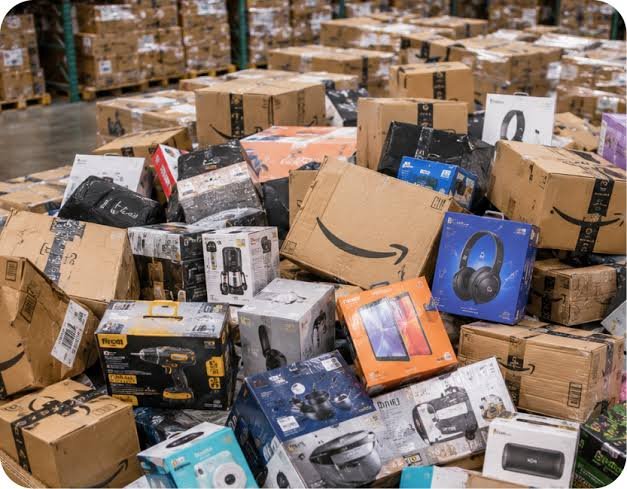
Listed item count, dimensions, and price appear on the package page before you select it.
Package B
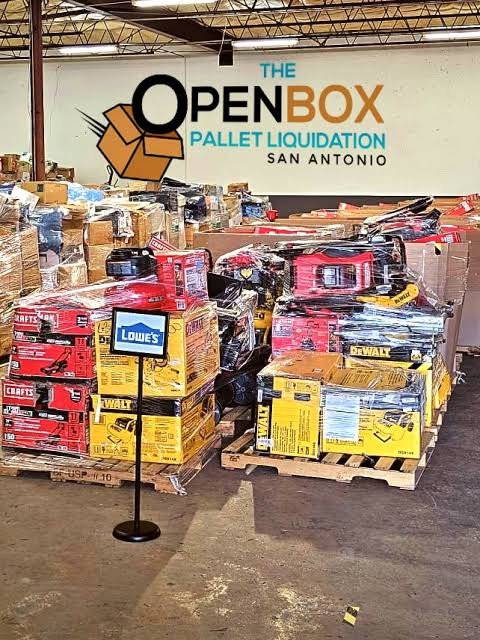
Stacked pallet configurations show quantity and dimensions together, so you can check fit against your order.
Package C
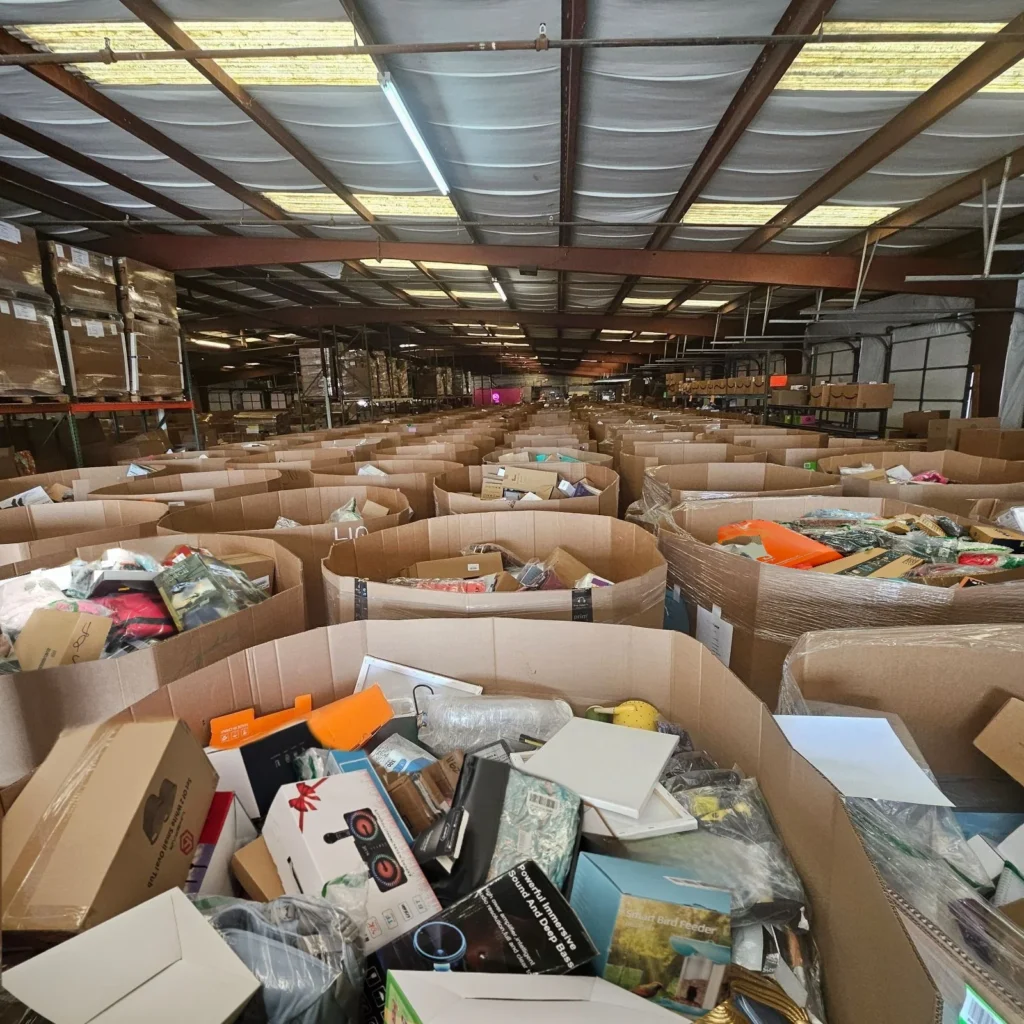
Bulk options list full contents and price per package, with no inquiry needed to order.
Ordering steps
01
Choose a package from the catalog and check its listed contents, dimensions, and price.
02
Your order confirmation lists the package items and order details. Review it before you complete the order.
03
Follow fulfillment updates on the status of your order until your pallet packages are dispatched.
Open the full catalog to review every listed package and place your order.
Your shopping cart is empty
Notifications